
This document describes how to set up a home network connection, check the TV's network connection, and use Sanyo HDTV to watch internet content.
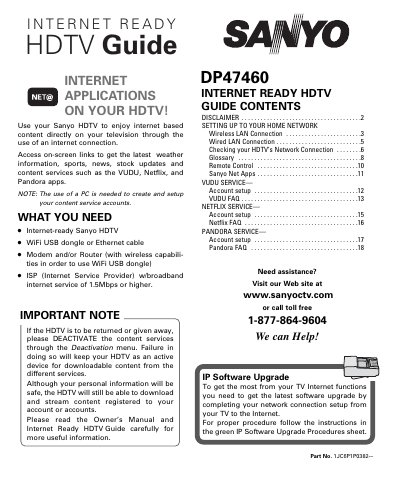
This Owner's Manual provides step‑by‑step instructions for connecting the Sanyo DP47460 HDTV to a home network, either via wireless LAN (Wi‑Fi) using a USB dongle or via a wired Ethernet connection. It also covers basic remote‑control operation and how to verify the network connection.
The guide details how to access and configure the built‑in internet content services (VUDU, Netflix, Pandora), including account setup, usage tips, and how to deactivate these services when the TV is returned or no longer needed.
| Minimum broadband speed | 1.5 Mbps |
|---|---|
| Supported network interfaces | Wi‑Fi USB dongle or Ethernet cable |
Select the Network option, choose Wireless, scan for access points, select your network, choose the security protocol, and follow the on‑screen instructions.
Open the Setup > Information menu, select Deactivation, choose the service you wish to deactivate, and confirm with Yes.