
Key facts
- Brand
- Samsung
- Model
- 940FN
- Industry
- Industrial
- Documents
- 2
- Languages
- EN · ZH
- Last added
- 2012-05-09
Start here
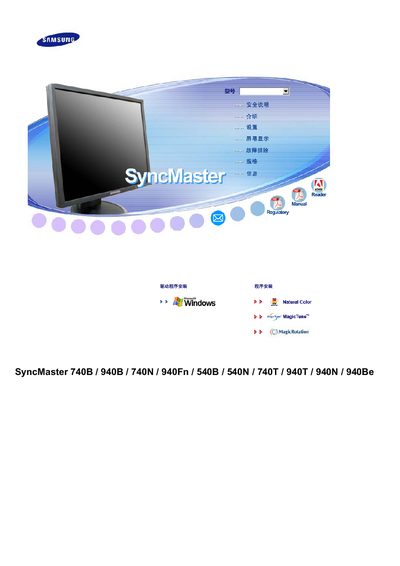
Samsung SyncMaster 740B/940B/740N/940Fn/540B/540N/740T/940T/940N/940Be User Manual
User Manual 189 pages · 8.6 MB · ZH
This manual provides detailed instructions for installing, operating, and maintaining the Samsung SyncMaster monitor series. It includes safety guidelines, connection diagrams, and step‑by‑step procedures for everyday use.
The document also contains technical specifications, troubleshooting tips, and service information to help users resolve common issues and keep the monitors in optimal condition. This manual is written in Chinese.
Samsung 940FN specifications
| Model | 940Fn |
|---|---|
| Power Consumption | 38W |
| DPMS Power | under 1 W (230Vac) |
| Connectivity | Analog (15p Dsub), Dual (24p DVI‑D) |
| VESA Mount | 75mm x 75mm |
All Samsung 940FN documents by type
User Manual 2
Day-to-day operation, settings and troubleshooting. Start here if the product is already set up.
Service Manual 1
Disassembly, diagnostics and part numbers, for repair.
Questions answered in these manuals
How do I turn the monitor on and off?
Press the Power button on the front of the monitor.
How do I switch between analog and digital inputs?
Press the Source button to select the desired video signal; the current mode is shown on the screen.