
This manual is a service manual for Fashion Feature LCD-Monitor Chassis LHA19PS Model 940Fn, which details the product's features, key functions, and usage instructions.
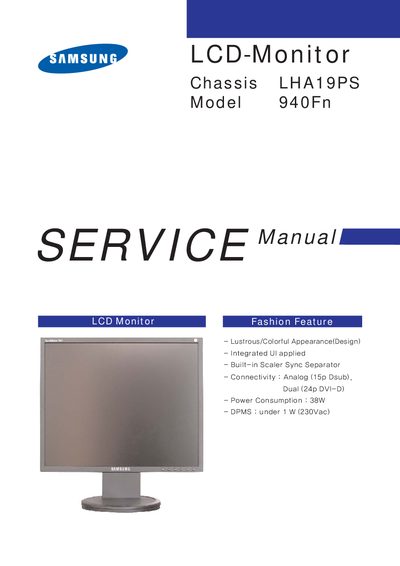
The Samsung 940Fn LCD monitor features a colorful design, integrated UI, built‑in scaler, and dual connectivity options (analog 15‑pin D‑sub and 24‑pin DVI‑D). This service manual provides detailed operating instructions, installation steps, and safety warnings for the monitor.
The manual includes sections on front and rear controls, connecting the monitor to PCs or Macs, attaching a VESA‑compliant base, disassembly and reassembly procedures, and full schematic diagrams for service technicians.
| Model | 940Fn |
|---|---|
| Power Consumption | 38W |
| DPMS Power | under 1 W (230Vac) |
| Connectivity | Analog (15p Dsub), Dual (24p DVI‑D) |
| VESA Mount | 75mm x 75mm |
Press the Power button on the front of the monitor.
Press the Source button to select the desired video signal; the current mode is shown on the screen.
The monitor supports a 75 mm × 75 mm VESA‑compliant mounting interface pad.
Yes, the monitor contains electrostatically sensitive devices and should be handled with caution.