
Key facts
- Brand
- Panasonic
- Model
- TC42PX14
- Category
- Television
- Industry
- Appliances
- Documents
- 2
- Languages
- EN
- Last added
- 2012-08-03
Start here
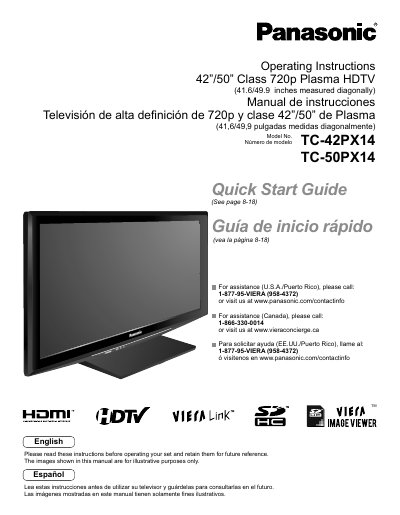
Panasonic TC-42PX14/TC-50PX14 Plasma HDTV Operating Instructions
This document provides operating instructions for the Panasonic TC-42PX14 and TC-50PX14 720p Class Plasma HDTVs. It includes a quick start guide for initial setup, instructions for connecting external devices like DVD players and set-top boxes, and guidance on using VIERA Link and HDAVI Control features. The manual also covers advanced menu functions for adjusting picture and sound quality, channel editing, and timer settings.
Read onlinePanasonic TC42PX14 specifications
| Screen Size | 42"/50" Class |
|---|---|
| Resolution | 720p |
| Physical Dimensions | 41.6/49.9 inches measured diagonally |
| Model Numbers | TC-42 PX1 4, TC-50PX14 |
Source: Panasonic TC-42PX14/TC-50PX14 Plasma HDTV Operating Instructions
All Panasonic TC42PX14 documents by type
Day-to-day operation, settings and troubleshooting. Start here if the product is already set up.
Questions answered in these manuals
What is the diagonal measurement of the screen?
The screen measures 41.6 inches for the 42" model and 49.9 inches for the 50" model diagonally.
From: Panasonic TC-42PX14/TC-50PX14 Plasma HDTV Operating Instructions
Can I connect my computer to the TV?
Yes, the manual includes instructions for displaying a PC screen on the TV.
From: Panasonic TC-42PX14/TC-50PX14 Plasma HDTV Operating Instructions