
Key facts
- Brand
- Panasonic
- Model
- TC-L42U12
- Category
- Television
- Industry
- Appliances
- Documents
- 2
- Languages
- EN
- Last added
- 2012-08-03
Start here
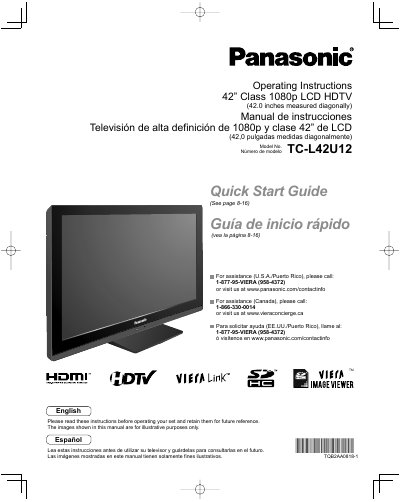
Panasonic TC-L42U12 42-inch LCD HDTV Operating Instructions
This manual provides operating instructions for the Panasonic TC-L42U12 42-inch Class 1080p LCD HDTV. It includes a Quick Start Guide for initial setup and basic features like watching TV, using VIERA TOOLS, and viewing content from SD cards or PCs. The document also covers advanced features such as menu functions, VIERA Link™ and HDAVI Control™, channel editing, closed captions, and timer usage.
Read onlineAll Panasonic TC-L42U12 documents by type
Day-to-day operation, settings and troubleshooting. Start here if the product is already set up.
Questions answered in these manuals
What is the diagonal screen size of this TV?
The screen measures 42.0 inches diagonally.
From: Panasonic TC-L42U12 42-inch LCD HDTV Operating Instructions
How much space must be left around the ventilation openings?
There should be at least 10 cm of space from these openings.
From: Panasonic TC-L42U12 42-inch LCD HDTV Operating Instructions
What is the model number of this television?
The model number is TC-L42U12.
From: Panasonic TC-L42U12 42" Class LCD HDTV Operating Instructions
Where can I find assistance for users in the USA and Puerto Rico?
Call 1-877-95-VIERA (958-4372) or visit www.panasonic.com/contactinfo.
From: Panasonic TC-L42U12 42" Class LCD HDTV Operating Instructions