
Operating Instructions 42”/50” Class 720p Plasma HDTV, introduces the features and characteristics of the TV set and how to use it.
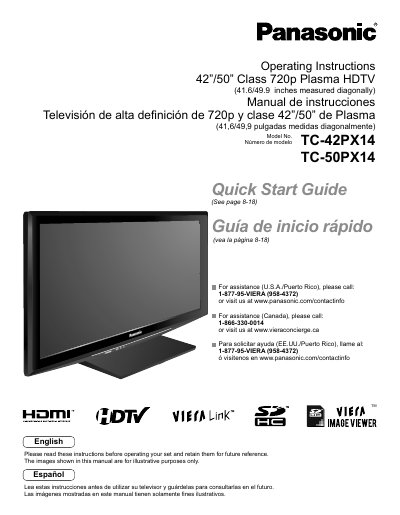
This document provides operating instructions for the Panasonic TC-42PX14 and TC-50PX14 720p Class Plasma HDTVs. It includes a quick start guide for initial setup, instructions for connecting external devices like DVD players and set-top boxes, and guidance on using VIERA Link and HDAVI Control features. The manual also covers advanced menu functions for adjusting picture and sound quality, channel editing, and timer settings.
| Screen Size | 42"/50" Class |
|---|---|
| Resolution | 720p |
| Physical Dimensions | 41.6/49.9 inches measured diagonally |
| Model Numbers | TC-42 PX1 4, TC-50PX14 |
The screen measures 41.6 inches for the 42" model and 49.9 inches for the 50" model diagonally.
Yes, the manual includes instructions for displaying a PC screen on the TV.
Yes, VIERA Link is a trademark of Panasonic Corporation supported by this device.