
This is the user manual of Panasonic Multi-Function Printer KX-MB781
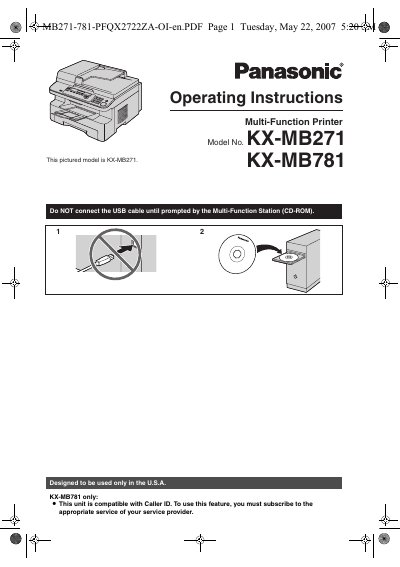
This Panasonic operating instruction manual covers the KX-MB271 and KX-MB781 multi-function printers. It describes setup, controls, and features including printing, scanning, copying, and fax functions, with fax and Caller ID available on the KX-MB781 only.
The manual includes installation steps, accessory information, programmable features, error messages, troubleshooting, paper jam clearing, cleaning, and general specifications.
| Region of use | U.S.A. only |
|---|---|
| Starter toner cartridge yield | About 500 letter-sized pages |
| Replacement toner cartridge yield | Approx. 2,000 letter-size sheets |
Fax and Caller ID features are available on the KX-MB781 only.
Connect the USB cable only when the Multi-Function Station CD-ROM prompts you to do so.
Leave the power on for at least 30 minutes after printing to help extend drum life.