
This document is the operating instructions for the Panasonic Color Laser Multi-Function Printer Model No. DP-MC210. It contains information on how to use the printer, including how to connect it to a computer, how to print documents, and how to maintain the printer.
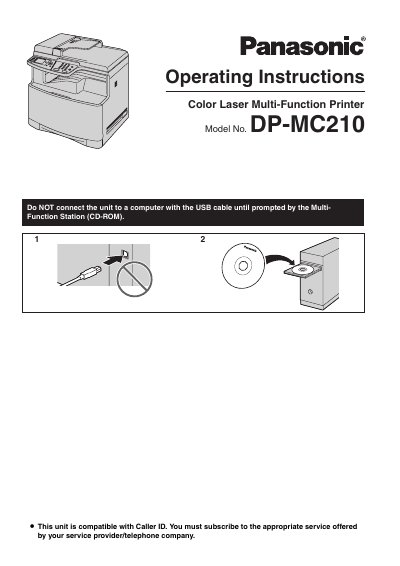
This manual details the supplied accessories, installation procedures, and operation modes for the Panasonic DP-MC210 Color Laser Multi-Function Printer.
It also includes safety warnings about laser radiation, fuser unit heat, and proper handling, as well as maintenance and troubleshooting guidance.
| Weight | approximately 30 kg (67 Ib) |
|---|---|
| Printing capacity | about 4,000 letter-size pages with 5% coverage |
Do not touch the fuser unit while it is hot.
Leave the power on for at least 30 minutes after printing.
Touch a grounded metal surface before touching components.