
Panasonic DP-MC210 Color Laser Multifunction Printer User Manual

Operation instructions for Panasonic DP-MC210 color laser multi-function printer, including connecting computer, installing toner cartridge, printing, scanning, faxing
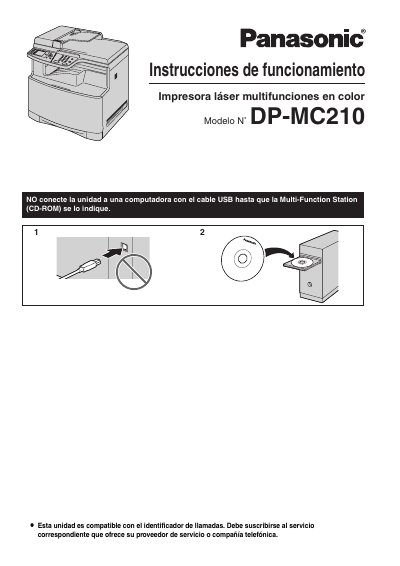

Panasonic DP-MC210 Color Laser Multifunction Printer User Manual - cover page
Brand
Panasonic
Category
copier
Document type
User Manual
Language
Spanish
Pages
132
File format
PDF
File size
5.6 MB
Published
08 August, 2012
Updated
30 September, 2023
MD5 checksum
9CDABE45047C78675FF474A3256535F0

About this manual

This document is the Spanish user manual for the Panasonic DP-MC210 color laser multifunction printer. It provides essential safety warnings, installation guidelines, and operational instructions for end users. The manual emphasizes proper handling of the device, including power connection, ventilation requirements, and precautions regarding the use of SD cards and fax transmission regulations. This manual is written in Spanish.

What's inside

  • Informacion importante
  • Por su seguridad
  • Instalacion
  • Medidas preventivas
  • Tarjeta SD
  • Registro de usuario
  • Configuracion del idioma

Frequently asked questions

What language can be selected for the printer's display and reports?

The user can choose between Spanish or English, with English being the default configuration.

How long must the printer wait after moving from a cold area before turning it on?

You must wait approximately 30 minutes to allow the unit to adjust to the ambient temperature.

What specific action is required regarding the power switch before cleaning the printer?

You must turn off the power switch before cleaning the unit.

Download PDF (5.6 MB)

More Panasonic Manuals


View all Panasonic manuals →