
Key facts
Start here
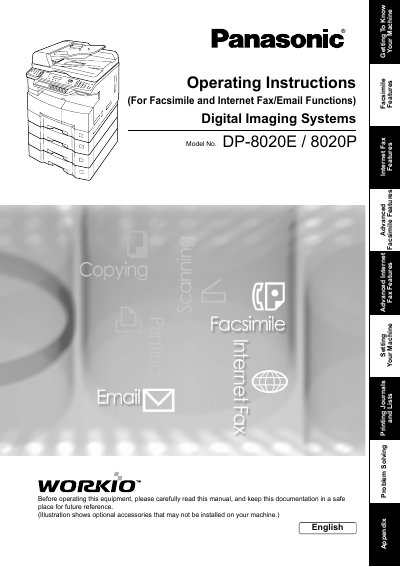
Panasonic DP-8020E/8020P Digital Imaging Systems Operating Instructions
This manual provides operating instructions for the Panasonic Digital Imaging Systems models DP-8020E and DP-8020P. It details how to use the machine's core functions including Facsimile (G3), Internet Fax/Email capabilities, Copying, Scanning, and Printing.
Read onlinePanasonic DP-8020P specifications
| Copy Speed | High-speed Super G3 |
|---|---|
| Scanning Resolution | up to 600 dpi |
| Printer Resolution | 300 or 600 dpi |
Source: Panasonic DP-8020E/8020P Digital Imaging Systems Operating Instructions
All Panasonic DP-8020P documents by type
Day-to-day operation, settings and troubleshooting. Start here if the product is already set up.
- Panasonic DP-8020E/8020P/8016P Digital Imaging Systems Operating Instructions 88 p
- Panasonic DP-8020E/8020P/8016P Digital Imaging Systems Operating Instructions 88 p
- Panasonic DP-8020E/8020P Digital Imaging Systems Operating Instructions 194 p
- Panasonic DP-8020E/DP-8020P Digital Image System User Manual 6 p
Questions answered in these manuals
What models are covered in this manual?
This manual covers the DP-8020E, DP-8020P, and DP-8016P Digital Imaging Systems.
From: Panasonic DP-8020E/8020P/8016P Digital Imaging Systems Operating Instructions
What is the maximum scanning resolution?
The monochrome scanner capability supports a scanning resolution up to 600 dpi.
From: Panasonic DP-8020E/8020P/8016P Digital Imaging Systems Operating Instructions
What is the maximum scanning resolution for these models?
The scanning resolution is up to 600 dpi.
From: Panasonic DP-8020E/8020P/8016P Digital Imaging Systems Operating Instructions
Can this machine copy ledger size originals?
Yes, the DP-8020E and DP-8020P models are capable of copying text/photos/halftone originals up to Ledger size.
From: Panasonic DP-8020E/8020P/8016P Digital Imaging Systems Operating Instructions
Which models support the Fax Communication Board?
The Facsimile function is available when optional Fax Communication Board (DA-FG180) is installed for DP-8020P and 8020E only.
From: Panasonic DP-8020E/8020P Digital Imaging Systems Operating Instructions
Is the DP-8020P available in the USA?
No, the DP-8020P is not available for USA and Canada.
From: Panasonic DP-8020E/8020P Digital Imaging Systems Operating Instructions