
Panasonic DP-8020E/8020P/8016P Digital Imaging Systems Operating Instructions

This document provides operating instructions for the DP-8020E/8020P/8016P model of digital imaging systems, including copy, scan, fax, and print functions. The product is capable of copying up to Ledger size originals, scanning at a resolution of up to 600 dpi, high-speed faxing, and printing.
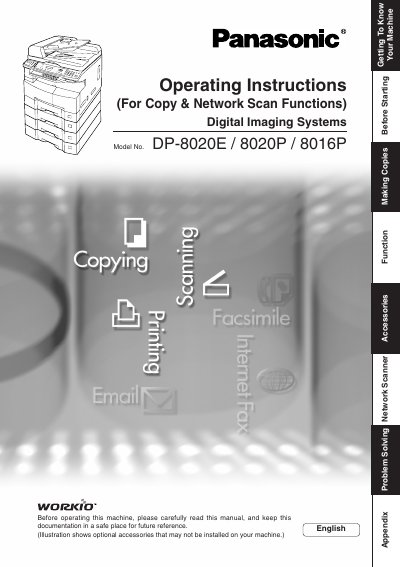

Panasonic DP-8020E/8020P/8016P Digital Imaging Systems Operating Instructions - cover page
Brand
Panasonic
Category
copier
Document type
User Manual
Language
English
Pages
88
File format
PDF
File size
8.1 MB
Published
08 August, 2012
Updated
29 September, 2023
MD5 checksum
876C8232BD37355D5A826E0B023BF423

About this manual

This manual provides operating instructions for the Panasonic DP-8020E, DP-8020P, and DP-8016P Digital Imaging Systems. It covers essential tasks such as making copies, using the ADF/i-ADF options, scanning documents, sending faxes via email or network, and utilizing printer controller functions.

What's inside

  • Getting To Know Your Machine
  • Safety Information
  • Making Copies
  • Creative Features
  • Other Features
  • Using Function Modes
  • Network Scanner
  • Document Scanning
  • Problem Solving
  • Specifications

Frequently asked questions

What models are covered in this manual?

This manual covers the DP-8020E, DP-8020P, and DP-8016P Digital Imaging Systems.

What is the maximum scanning resolution?

The monochrome scanner capability supports a scanning resolution up to 600 dpi.

Download PDF (8.1 MB)

More Panasonic Manuals


View all Panasonic manuals →