
This operating manual introduces how to use the DP-8020E/8020P copier, fax, scanner and other functions
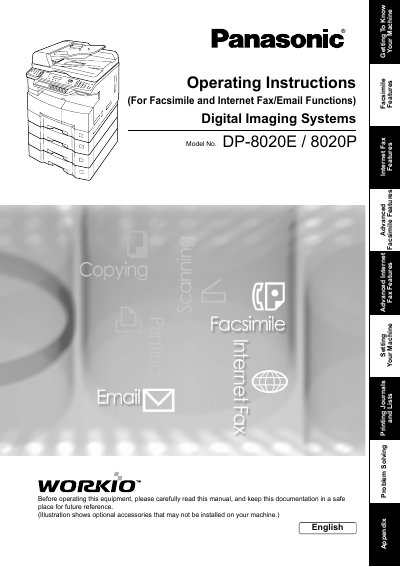
This manual provides operating instructions for the Panasonic Digital Imaging Systems models DP-8020E and DP-8020P. It details how to use the machine's core functions including Facsimile (G3), Internet Fax/Email capabilities, Copying, Scanning, and Printing.
| Copy Speed | High-speed Super G3 |
|---|---|
| Scanning Resolution | up to 600 dpi |
| Printer Resolution | 300 or 600 dpi |
The Facsimile function is available when optional Fax Communication Board (DA-FG180) is installed for DP-8020P and 8020E only.
No, the DP-8020P is not available for USA and Canada.
HDD (DA-HD18) requires an additional minimum of 16MB Image memory.