
DP-8020E/DP-8020P is a network printer that supports A3 size, with high-speed printing, double-sided printing, two-exposure, 2-in-1 printing, digital air photography, image rotation and other functions, which can meet the needs of office document processing.
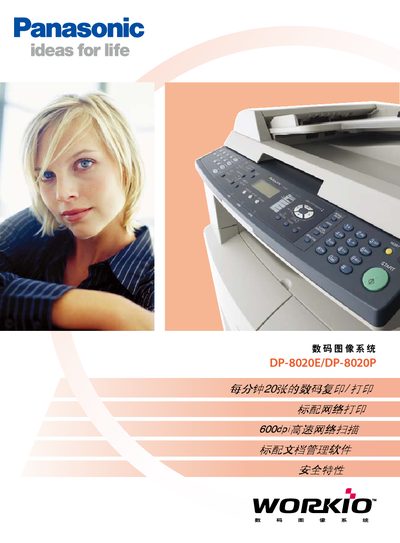
The DP-8020E/DP-8020P is a compact network‑enabled multifunction device that prints, copies, scans and faxes up to A3 size. It offers high‑speed printing at 20 pages per minute and supports duplex printing, poster mode, and various paper handling options.
This manual covers installation, network configuration, security settings, detailed operation of each function, optional accessories, and the full technical specifications of the system. This manual is written in Chinese.
| Print resolution | 600 dpi × 600 dpi |
|---|---|
| Duplex printing | Standard on DP‑8020E |
| Network interface | 10Base‑T/100Base‑TX Ethernet |
| Power supply | 220‑240 V, 50/60 Hz, 6.5 A |
| Memory options | 16 MB / 64 MB / 128 MB |
Yes, duplex printing is a standard feature on the DP‑8020E model.
The device includes a built‑in 10Base‑T/100Base‑TX Ethernet port.