
Panasonic DP-8020E/8020P/8016P Digital Imaging Systems Operating Instructions

This manual introduces how to install and configure the Panasonic DP-8020P / 8020E / 8016P printer's printer driver and Panasonic Document Management System.
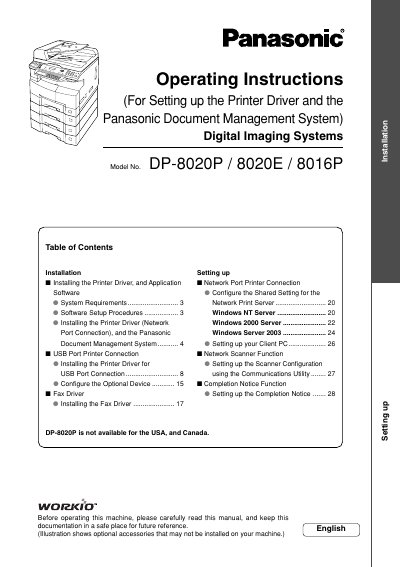

Panasonic DP-8020E/8020P/8016P Digital Imaging Systems Operating Instructions - cover page
Brand
Panasonic
Category
copier
Document type
User Manual
Language
English
Pages
88
File format
PDF
File size
8.1 MB
Published
08 August, 2012
Updated
30 September, 2023
MD5 checksum
53711F52201BC1AB64B0D8F02EF42C45

About this manual

This manual provides operating instructions for the Panasonic DP-8020E, DP-8020P, and DP-8016P Digital Imaging Systems. It covers essential tasks such as making copies using various zoom ratios and creative features like Double Exposure and Skyshot Mode. The document also details procedures for adding paper, replacing toner bottles, and removing misfed paper.

What's inside

  • Safety Information
  • Quick Operation Chart
  • Adding Paper
  • Problem Solving
  • Control Panel Key/Indicator Names
  • Making Copies
  • Changing Initial Machine Modes
  • Document Scanning
  • Network Scanner Functions
  • Specifications

Frequently asked questions

What is the maximum scanning resolution for these models?

The scanning resolution is up to 600 dpi.

Can this machine copy ledger size originals?

Yes, the DP-8020E and DP-8020P models are capable of copying text/photos/halftone originals up to Ledger size.

Is the DP-8020P available for USA and Canada?

No, the DP-8020P is not available for USA and Canada.

Download PDF (8.1 MB)

More Panasonic Manuals


View all Panasonic manuals →