
This is the user manual for the Olympus FE-110/X-705 digital camera, and it provides detailed instructions on how to use the camera's various features.
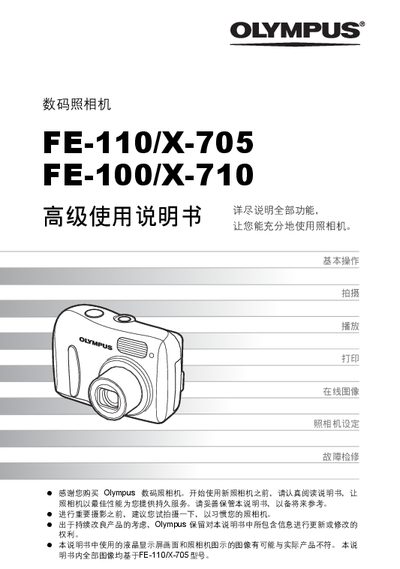
This manual provides step‑by‑step instructions for powering the camera on and off, selecting shooting and playback modes, and using the various buttons and menus. It also covers useful functions such as exposure compensation, zoom, and selfie mode.
Additional sections describe how to print images directly via PictBridge, connect the camera to a computer with OLYMPUS Master, and perform fault diagnosis, battery maintenance, and AC‑adapter usage. This manual is written in Chinese.
Press the power switch; the lens extends and the orange power‑on lamp lights when the camera is on, and the lens retracts and the lamp turns off when the power switch is pressed again.
Press the green button (k) to switch to playback mode or the orange button (l) to return to shooting mode.
Use the USB cable to connect the camera to the computer and launch OLYMPUS Master to view and download images.