
Key facts
- Brand
- Olympus
- Model
- X-30
- Category
- Digital cameras
- Industry
- Electronics
- Documents
- 2
- Languages
- EN · ZH
- Last added
- 2012-06-08
Start here
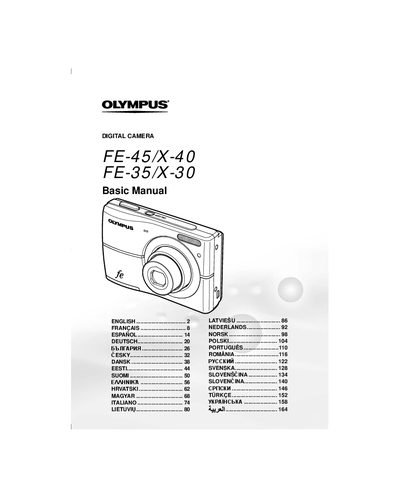
Olympus FE-45/X-40 and FE-35/X-30 Digital Camera Basic Manual
This manual provides basic instructions for the Olympus FE-45/X-40 and FE-35/X-30 digital cameras. It covers essential procedures such as loading batteries and xD-Picture Cards, setting the date and time, and changing the display language. The guide explains how to turn on the camera and take test shots before using it for important photographs.
Read onlineAll Olympus X-30 documents by type
Day-to-day operation, settings and troubleshooting. Start here if the product is already set up.
Questions answered in these manuals
What type of memory card does this camera use?
The camera uses an xD-Picture Card or the microSD Attachment.
From: Olympus FE-45/X-40 and FE-35/X-30 Digital Camera Basic Manual
How do I take a picture in P mode?
Press the ON/OFF button to turn on the camera, select P mode if it is not displayed, focus by pressing the shutter halfway, and then press the shutter all the way down.
From: Olympus FE-45/X-40 and FE-35/X-30 Digital Camera Basic Manual
What direct printing standard does the manual mention?
It mentions direct printing with PictBridge.
Does the manual include a print reservation section?
Yes, it includes a print reservation (DPOF) section.