
Key facts
- Brand
- Olympus
- Model
- X-350
- Category
- Digital cameras
- Industry
- Electronics
- Documents
- 4
- Languages
- ZH · JA
- Last added
- 2012-06-08
Start here
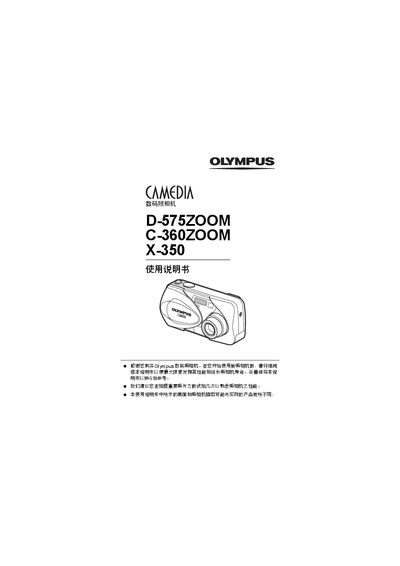
Olympus D-575ZOOM / C-360ZOOM / X-350 Digital Camera User Manual
This manual explains how to safely set up and use the Olympus D-575ZOOM, C-360ZOOM, and X-350 digital cameras. It includes safety notices, warranty information, and basic handling guidelines.
The guide covers camera functions such as shooting modes (Panorama, 2‑in‑1, Night), playback, printing via PictBridge and DPOF, menu navigation, and troubleshooting steps. It also lists parts and specifications for reference. This manual is written in Chinese.
Olympus X-350 specifications
| Digital Zoom | Supported |
|---|---|
| Panorama Mode | Supported |
| Black & White Mode | Supported |
All Olympus X-350 documents by type
Day-to-day operation, settings and troubleshooting. Start here if the product is already set up.
Questions answered in these manuals
How can I print photos directly from the camera?
Use the PictBridge function to print images without a computer.
From: Olympus D-575ZOOM / C-360ZOOM / X-350 Digital Camera User Manual
What shooting modes are available?
The camera supports Panorama mode and a 2‑in‑1 composite mode, among others.
From: Olympus D-575ZOOM / C-360ZOOM / X-350 Digital Camera User Manual
How do I reset the camera to its default settings?
Select the “ALL RESET” function to restore all settings to their factory defaults.
How can I print photos directly from the camera?
Use the PictBridge function to connect the camera to a compatible printer and print without a computer.