
Olympus FE-45/X-40 and FE-35/X-30 Digital Camera Basic Manual

This is the basic user manual for the Olympus FE-45/X-40 camera, introducing the features and usage of the camera
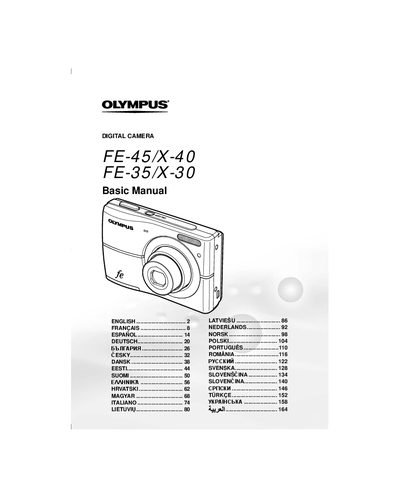

Olympus FE-45/X-40 and FE-35/X-30 Digital Camera Basic Manual - cover page
Brand
Olympus
Category
Digital cameras
Document type
User Manual
Language
English
Pages
172
File format
PDF
File size
6.3 MB
Published
08 June, 2012
Updated
30 September, 2023
Models
FE-45, X-40, FE-35, X-30
MD5 checksum
21D1CC9C43C6A6B71DD0B3259CFF05E8

About this manual

This manual provides basic instructions for the Olympus FE-45/X-40 and FE-35/X-30 digital cameras. It covers essential procedures such as loading batteries and xD-Picture Cards, setting the date and time, and changing the display language. The guide explains how to turn on the camera and take test shots before using it for important photographs.

What's inside

  • Preparing the Camera
  • Loading the batteries and the xD-Picture Card
  • Setting the date and time
  • Changing the display language
  • Shooting, Playback, and Erasing
  • Using Shooting Modes
  • Using Shooting Functions
  • Printing

Specifications

Optical Zoom3x
Digital Zoom4x

Frequently asked questions

What type of memory card does this camera use?

The camera uses an xD-Picture Card or the microSD Attachment.

How do I take a picture in P mode?

Press the ON/OFF button to turn on the camera, select P mode if it is not displayed, focus by pressing the shutter halfway, and then press the shutter all the way down.

Download PDF (6.3 MB)

More Olympus Manuals


View all Olympus manuals →