
Olympus TG-320 Digital Camera Instruction Manual

The manual provides an introduction to the use of the TG-320 digital camera, including basic information about the camera, operating methods, shooting, playback, printing, etc.
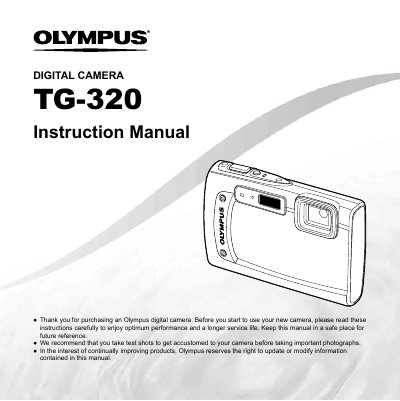

Olympus TG-320 Digital Camera Instruction Manual - cover page
Brand
Olympus
Category
Digital cameras
Document type
User Manual
Language
English
Pages
82
File format
PDF
File size
2.4 MB
Published
08 June, 2012
Updated
30 September, 2023
MD5 checksum
CA8623CF3CF86D91A88050C33D3B4FD3

About this manual

This document is the official user guide for the Olympus TG-320 digital camera. It provides instructions on preparing the device, using direct buttons, and navigating the operation guides displayed on the screen.

The manual details how to use various shooting modes including Program Auto, Scene Mode, Magic Filter, Panorama, and 3D Photo. It also covers playback features such as slideshow and photo surfing, along with editing tools like rotation and protection.

What's inside

  • Names of Parts
  • Preparing the Camera
  • Shooting, Playback, and Erasing
  • Using Shooting Modes
  • Using Shooting Functions
  • Menus for Shooting Functions
  • Menus for Playback, Editing, and Printing
  • Printing
  • Usage Tips

Frequently asked questions

What is the recommended way to get accustomed to the camera before taking important photographs?

We recommend that you take test shots to get accustomed to your camera before taking important photographs.

How can frequently used functions be accessed quickly?

Frequently used functions can be accessed using the direct buttons.

Download PDF (2.4 MB)

More Olympus Manuals


View all Olympus manuals →