
Olympus TG-310/TG-610 Digital Camera Instruction Manual

This is a user manual for Olympus TG-310 camera. It provides detailed information about the camera's features and usage.
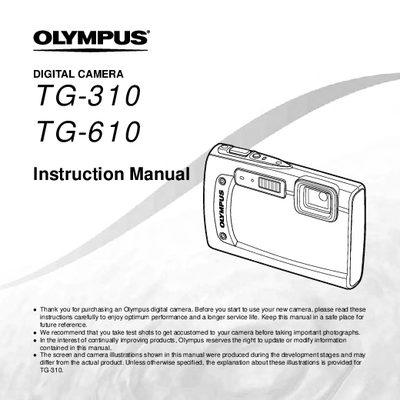

Olympus TG-310/TG-610 Digital Camera Instruction Manual - cover page
Brand
Olympus
Category
Digital cameras
Document type
User Manual
Language
English
Pages
83
File format
PDF
File size
2.6 MB
Published
08 June, 2012
Updated
30 September, 2023
Models
TG-310, TG-610
MD5 checksum
62A4B0C72889DD1E714B5C6B1E4E69C0

About this manual

This instruction manual provides comprehensive guidance for using the Olympus TG-310 and TG-610 digital cameras. It details how to prepare the camera by checking contents and settings, as well as operating various direct buttons and menus for different shooting scenarios.

The guide covers essential functions including shooting modes like Panorama and 3D Photo, playback features such as slideshow and photo surfing, and printing options via PictBridge and DPOF. It also explains specific TG-610 features like the joystick control and tap operation.

What's inside

  • Names of Parts
  • Preparing the Camera
  • Shooting, Playback, and Erasing
  • Using Shooting Modes
  • Menus for Shooting Functions
  • Menus for Playback, Editing, and Printing
  • Printing
  • Usage Tips

Frequently asked questions

What is the recommended procedure before taking important photographs?

You should take test shots to get accustomed to your camera.

When can you operate the TG-610 by tapping its body?

This is possible when [Tap Gontral] is set to [On].

Download PDF (2.6 MB)

More Olympus Manuals


View all Olympus manuals →