
This manual provides instructions for unpacking, setting up, operating, and maintaining the Olympus TG-3 digital camera.
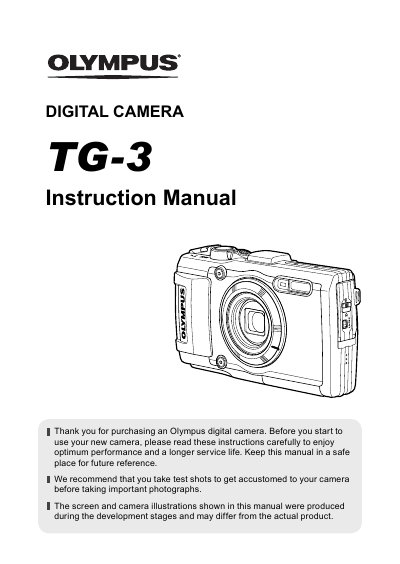
This document is the official instruction manual for the Olympus TG-3 digital camera. It guides users through initial setup, including unpacking the box contents, attaching the strap, and inserting the battery and memory card. The manual details how to charge the battery using the supplied USB-AC adapter and how to turn on the camera to configure initial settings like language and date/time.
| Effective pixels | 16,000,000 pixels |
|---|---|
| Image pickup device | 1/2.3" CMOS |
| Lens focal length | 4.5 mm to 18.0 mm |
| Shutter speed | 4 to 1/2000 sec. |
| Monitor size | 3.0" TFT color LCD |
| Water resistance | IPX8 (15 m deep) |
| Battery type | LI-92B |
| Battery capacity | 1350 mAh |
| Dimensions | 111.5 x 65.9 x 31.2 mm |
The box includes the digital camera, strap, lithium ion battery (LI-92B), setup CD-ROM or USB-AC adapter, and USB cable.
The battery is not fully charged at shipment and should be charged until the indicator lamp turns off, which can take up to 5 hours.
The camera supports internal memory, SD/SDHC/SDXC cards (supports UHS-I), and Eye-Fi cards.