
Olympus TG-310 Digital Camera Instruction Manual

This is an instruction manual for Olympus TG-310 digital camera
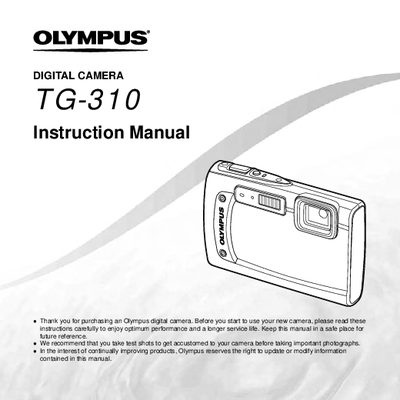

Olympus TG-310 Digital Camera Instruction Manual - cover page
Brand
Olympus
Category
Digital cameras
Document type
User Manual
Language
English
Pages
82
File format
PDF
File size
2.4 MB
Published
08 June, 2012
Updated
30 September, 2023
Model
TG-310
MD5 checksum
C114B742678013FEB8F86DAF11376A71

About this manual

The Olympus TG-310 is a compact digital camera designed for capturing high-quality images. This instruction manual covers essential topics including preparing the camera, using direct buttons and menus, and operating various shooting functions such as Scene Mode, Panorama, and 3D Photo.

Detailed guidance is provided on image playback, editing, and printing options like PictBridge and DPOF. The document also explains how to configure camera settings for display, sound, date/time, and power management.

What's inside

  • Names of Parts
  • Preparing the Camera
  • Shooting Modes
  • Playback Functions
  • Printing
  • Camera Settings
  • Using Shooting Functions

Frequently asked questions

What is the purpose of taking test shots before photographing important events?

You should take test shots to get accustomed to your camera before taking important photographs.

How can you access frequently used functions without using the menu?

Frequently used functions can be accessed using the direct buttons on the camera.

Download PDF (2.4 MB)

More Olympus Manuals


View all Olympus manuals →