
Key facts
- Brand
- Olympus
- Model
- C-5000ZOOM
- Category
- Digital cameras
- Industry
- Electronics
- Documents
- 3
- Languages
- EN · ZH
- Last added
- 2012-06-08
Start here
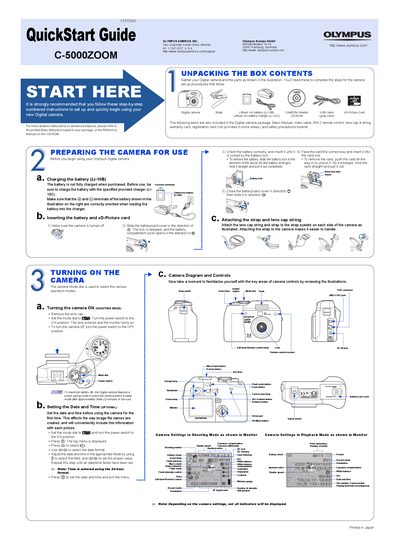
Olympus C-5000ZOOM Digital Camera QuickStart Guide
This document is a QuickStart Guide for the Olympus C-5000ZOOM digital camera. It provides instructions for unpacking the box contents, preparing the camera for use by charging the battery and inserting the xD-Picture card, and attaching the strap and lens cap string. The guide also explains how to turn the camera on and off, set the date and time, and familiarize the user with the camera diagram and controls.
Read onlineAll Olympus C-5000ZOOM documents by type
Day-to-day operation, settings and troubleshooting. Start here if the product is already set up.
The shortest path to a working setup, usually only a few pages.
Questions answered in these manuals
What is the model number of this camera?
The model number is C-5000ZOOM.
Where can I find technical support for the USA?
You can visit the Olympus Corporate Site or call customer support at 1-888-553-4448.
How do I erase pictures?
Set the mode dial to playback mode, select the picture, press the delete button, and confirm with YES.
What is the maximum capacity of the xD-Picture Card supported by this camera?
The camera supports xD-Picture Cards with a maximum capacity of 512 MB.
How can I set the date and time on the camera?
Use the menu to set the date and time under the appropriate settings section.
Can I use an external flash with this camera?
Yes, the camera supports external flash units; attach the flash to the hot shoe and configure flash settings in the menu.