
This document is a user manual for the Olympus digital camera C-5000ZOOM, which provides information on the camera's performance, tips for extending its lifespan, and recommended usage steps.
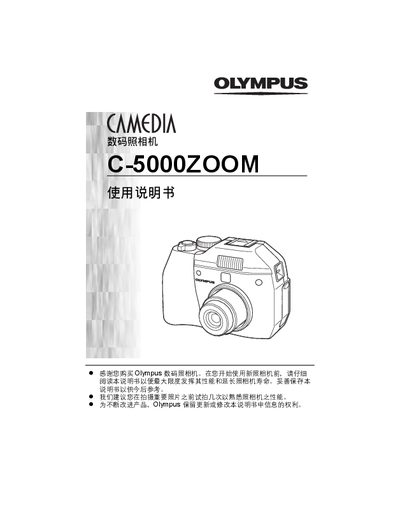
This manual introduces the Olympus C-5000ZOOM digital camera, covering safety information, warranty statements, and regulatory compliance for North American, Canadian, and European users. It explains how to prepare the camera, insert batteries and memory cards, and configure basic settings such as language, date, and time.
The guide details shooting functions—including basic and advanced modes, flash usage, digital zoom, panorama, and special effects—as well as image playback, printing, and troubleshooting procedures. It also lists the camera’s specifications and provides a glossary of terms. This manual is written in Chinese.
Use the menu to set the date and time under the appropriate settings section.
Yes, the camera supports external flash units; attach the flash to the hot shoe and configure flash settings in the menu.