
Olympus C-5000ZOOM Digital Camera QuickStart Guide

This document is the user manual of Canon C-5000ZOOM digital camera
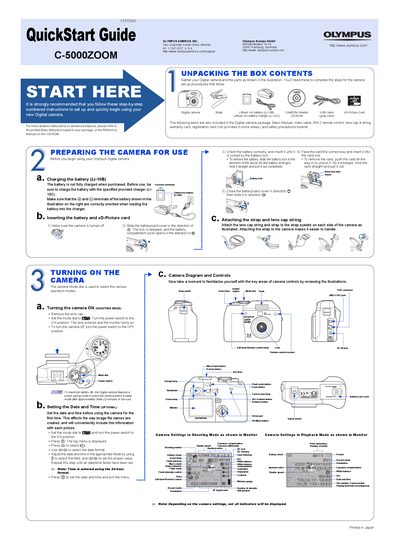

Olympus C-5000ZOOM Digital Camera QuickStart Guide - cover page
Brand
Olympus
Category
Digital cameras
Document type
Quick Start Guide
Language
English
Pages
2
File format
PDF
File size
552 KB
Published
08 June, 2012
Updated
30 September, 2023
MD5 checksum
F5D1F58A668E8F34421FE27F239B9988

About this manual

This document is a QuickStart Guide for the Olympus C-5000ZOOM digital camera. It provides instructions for unpacking the box contents, preparing the camera for use by charging the battery and inserting the xD-Picture card, and attaching the strap and lens cap string. The guide also explains how to turn the camera on and off, set the date and time, and familiarize the user with the camera diagram and controls.

What's inside

  • Unpacking the Box Contents
  • Preparing the Camera for Use
  • Turning On the Camera
  • Setting the Date and Time
  • Taking a Picture
  • Zooming
  • Flash Modes
  • Viewing Pictures
  • Erasing Pictures
  • Connecting to a Computer

Specifications

Battery TypeLithium ion battery (LI-10B)
Compatible Memory Card Capacity16 MB to 512 MB

Frequently asked questions

How do I erase pictures?

Set the mode dial to playback mode, select the picture, press the delete button, and confirm with YES.

What is the maximum capacity of the xD-Picture Card supported by this camera?

The camera supports xD-Picture Cards with a maximum capacity of 512 MB.

Download PDF (552 KB)

More Olympus Manuals


View all Olympus manuals →