
Key facts
- Brand
- Olympus
- Model
- C-50
- Category
- Digital cameras
- Industry
- Electronics
- Documents
- 4
- Languages
- EN · ZH · JA
- Last added
- 2012-06-08
Start here
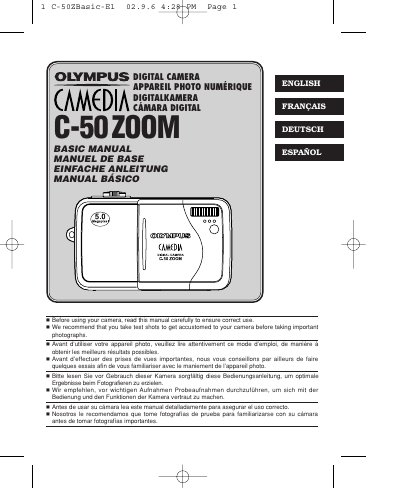
Olympus C-50 ZOOM Digital Camera User Manual
The Olympus C-50 ZOOM is a digital camera designed for capturing still pictures and movies. This user manual covers essential topics including names of parts, indicators, shooting modes, playback functions, card formatting, transferring images to a computer, and troubleshooting error codes.
Before using the camera, users are advised to read this guide carefully and take test shots to become familiar with the controls. The document includes detailed tables explaining monitor indications for various settings such as aperture, shutter speed, ISO sensitivity, and recording modes.
All Olympus C-50 documents by type
Day-to-day operation, settings and troubleshooting. Start here if the product is already set up.
Questions answered in these manuals
What are the available pixel resolutions for still pictures?
The camera supports pixel resolutions of 2560 x 1920 and 1600 x 1200.
What are the available recording modes for movies?
The camera offers four movie record modes: TIFF, SHQ, HQ, SQ1, and SQ2.
How do I activate Quick View mode?
Press the Quick View button as shown in the manual.
How can I use the self‑timer for selfies?
Select the self‑timer function and press the shutter button to start the countdown.