
Key facts
- Brand
- Olympus
- Model
- C-4000
- Category
- Digital cameras
- Industry
- Electronics
- Documents
- 2
- Languages
- EN · JA
- Last added
- 2012-06-08
Start here
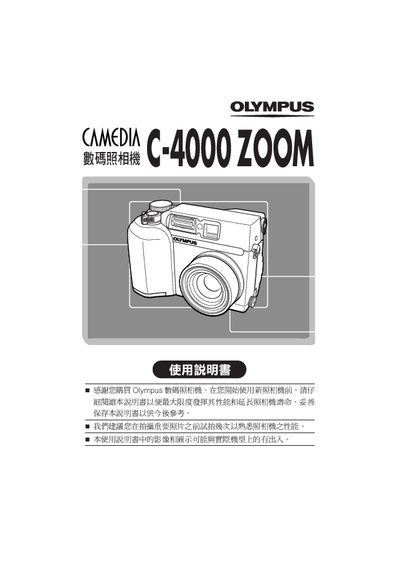
Olympus C-4000 ZOOM User Manual
This manual explains the safe use of the Olympus C-4000 ZOOM, including warranty details, regulatory compliance, and handling precautions. It also lists the accessories that come with the camera and how to install batteries or AC adapters.
The guide covers camera operation such as menu navigation, shooting modes, image and video playback, ISO settings, white‑balance adjustment, and date/time configuration. It includes instructions for resetting the device and customizing user settings. This manual is written in Japanese.
Olympus C-4000 specifications
| Resolution | 2288 x 1712 pixels |
|---|---|
| Aperture range | F2.8—F11 |
| Shutter speed range | 16 — 1/1000 |
| ISO range | ISO 100, ISO 200, ISO 400 |
Source: Olympus C-4000 ZOOM Basic Manual
All Olympus C-4000 documents by type
Day-to-day operation, settings and troubleshooting. Start here if the product is already set up.
Questions answered in these manuals
What is the purpose of this manual?
These instructions are only for quick reference. For more details on the camera functions described in this manual, refer to the camera Reference Manual on the CD-ROM enclosed in the camera package.
Where can I find information on installing the software?
For more details on connecting the camera to a PC and installing the provided software, refer to the 'Software Installation Guide' included in the CD-ROM package.