
This is a basic user manual for a digital camera.
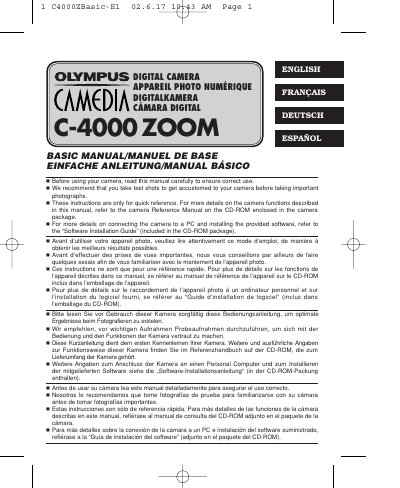
This document serves as a basic manual for the Olympus C-4000 ZOOM digital camera. It provides quick reference instructions for using the camera, including an overview of the parts, menu system, and shooting basics. The guide is intended for users who need a concise summary of camera functions rather than a comprehensive technical reference.
The manual covers essential topics such as getting started, using the menu, shooting basics, advanced shooting techniques, playback, print settings, and transferring pictures to a computer. It also includes a list of error codes and specifications. Users are advised to refer to the separate Reference Manual on the enclosed CD-ROM for more detailed information on camera functions.
| Resolution | 2288 x 1712 pixels |
|---|---|
| Aperture range | F2.8—F11 |
| Shutter speed range | 16 — 1/1000 |
| ISO range | ISO 100, ISO 200, ISO 400 |
These instructions are only for quick reference. For more details on the camera functions described in this manual, refer to the camera Reference Manual on the CD-ROM enclosed in the camera package.
For more details on connecting the camera to a PC and installing the provided software, refer to the 'Software Installation Guide' included in the CD-ROM package.