
Olympus C-4000 ZOOM User Manual

This is a digital camera user manual, which contains preparation, quick start guide, using menu, basic shooting, advanced shooting, adjusting image quality and exposure, playback, useful functions, printing settings, using optional accessories and other contents.
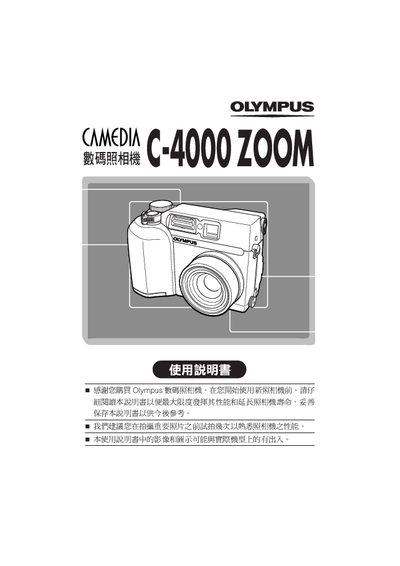

Olympus C-4000 ZOOM User Manual - cover page
Brand
Olympus
Category
Digital cameras
Document type
User Manual
Language
Chinese
Pages
212
File format
PDF
File size
10 MB
Published
23 March, 2012
Updated
01 October, 2023
Model
C-4000
MD5 checksum
AA39047413DD86FA5ECAE0C930D8CBBB

About this manual

This manual provides step-by-step instructions for using the Olympus C-4000 ZOOM digital camera. It covers basic and advanced shooting modes, exposure settings, playback, image editing, and connecting accessories. The guide also includes troubleshooting and maintenance tips to help users get the most out of their camera. This manual is written in Chinese.

What's inside

  • Preparing the Camera
  • Quick Start Guide
  • Using Menus
  • Shooting Basics
  • Advanced Shooting
  • Adjusting Image Quality and Exposure
  • Playback
  • Useful Features
  • Printing Settings
  • Using Optional Accessories

Frequently asked questions

How do you install the battery in the Olympus C-4000 ZOOM?

Open the battery compartment cover and insert the battery.

What is the purpose of the mode dial on the Olympus C-4000 ZOOM?

The mode dial is used to select different shooting modes.

How do you connect an external flash to the Olympus C-4000 ZOOM?

Use the 5-pin external flash socket on the camera.

Download PDF (10 MB)

More Olympus Manuals


View all Olympus manuals →