
This manual provides installation and setup instructions for the NETGEAR WGR614v10 N150 Series wireless router, covering connection, configuration, and…
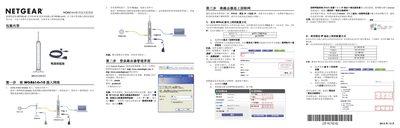
This document is the user manual for the NETGEAR WGR614v10 N150 Series Wireless Router. It guides users through a five-step setup process, including connecting the hardware, accessing the management interface, configuring internet connections (PPPoE, Static IP, Dynamic IP), setting up wireless security, and connecting wireless clients on Windows XP and Windows 7. This manual is written in Chinese.
The setup process requires exactly 5 steps to complete.
The LAN ports support a maximum speed of 100Mbps when connected to compatible devices.
You must hold the reset button for 15 seconds to restore the router to its factory state.