
The document is the product reference guide for Symbol DS3478 Smart Focus Digital Scanner. It describes the features and characteristics of the product.
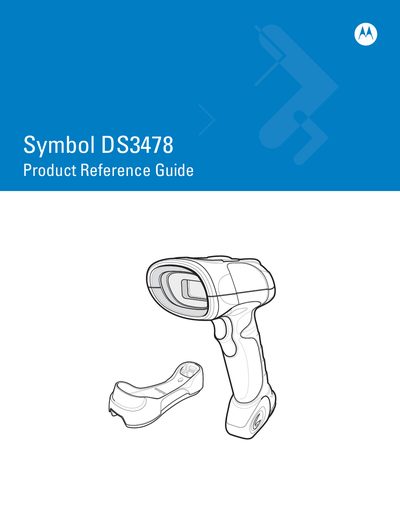
This manual provides instructions for setting up and using the Symbol DS3478 digital scanner, including connecting the cradle, configuring settings, and scanning 1D and 2D barcodes. It also covers maintenance, troubleshooting, and technical specifications for the device.
The guide includes chapters on getting started, digital scanning, maintenance, and user preferences, with detailed explanations of features like Smart Focus, decode zones, and radio communications.
| Model | DS3478 |
|---|---|
| Document Number | 72E-72109-04 |
| Revision | A |
| Publication Date | August 2008 |
The model number is DS3478.
Connect the cradle using a Synapse cable interface and ensure power is supplied.