
Setup guide for the Logitech K800 keyboard, covering features, recharging, troubleshooting, and battery removal.
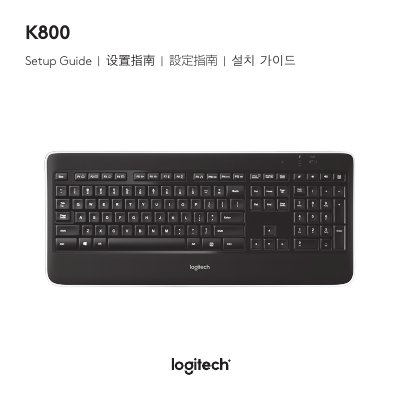
This guide explains how to set up and use the Logitech K800 keyboard, including its features and controls. It also covers recharging the battery, troubleshooting common issues, and instructions for battery removal. The guide is available in multiple languages and includes safety and compliance information.
Typically, you can expect about 10 days of battery life before you will need to recharge the keyboard battery.
A full battery recharge takes about 5 hours and only 3 hours if the keyboard has been switched off.