
Logitech K800 Wireless Keyboard User Guide, introduces the keyboard's features and characteristics.
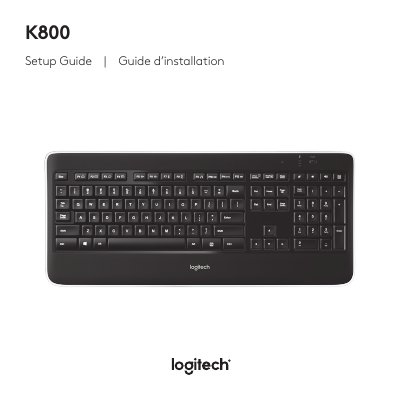
This guide explains how to set up and use the Logitech K800 wireless keyboard. It describes the keyboard's function zones, backlight and battery controls, recharging, and Logitech Unifying receiver use.
It also provides troubleshooting steps for a non-working keyboard and instructions for removing the battery before disposal.
| Typical battery life | About 10 days |
|---|---|
| Battery life at 100% backlight | About 15 hours |
| Full recharge time | About 5 hours |
| Recharge time when switched off | About 3 hours |
| Unifying connected devices | Up to six |
Typically, you can expect about 10 days of battery life before recharging, or about 15 hours if the backlighting level is set to 100%.
A full recharge takes about 5 hours, or about 3 hours if the keyboard has been switched off.
Switch the keyboard off and on, confirm it is charged, try another USB port, move the receiver closer, reconnect with Logitech Unifying software, or restart the computer.
It can connect up to six compatible Logitech mice and keyboards to the same receiver.