
This guide provides setup instructions for the Logitech G304 LIGHTSPEED wireless gaming mouse, covering battery installation, receiver connection, and…
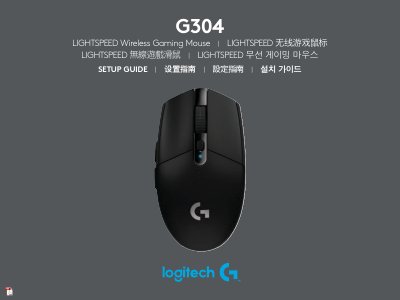
This document is the setup guide for the Logitech G304 LIGHTSPEED wireless gaming mouse. It provides multilingual instructions for initial setup, including removing the battery cover, installing batteries, connecting the USB receiver, and powering on the device. The guide also offers tips for optimal wireless performance and battery life. This manual is written in Chinese.
| Wireless Range | up to 10 meters |
|---|---|
| Recommended Receiver Distance | within 20 cm of the mouse |
| DPI Settings | 400/800/1600/3200/6400 |
| Report Rate | 1ms |
Remove the battery cover by pressing the top of the cover and pulling it downwards, then insert the battery.
You can use a lithium AA battery, which is not included in the package.
A flashing red LED indicates that the battery life is less than 15%.