
This document introduces the features and characteristics of the HP LaserJet 1150 laser printer, including high quality, high performance, space saving, 1200 dpi printing effect, fast printing speed, durability and performance guarantee, multiple connection methods, flexible paper handling, etc.
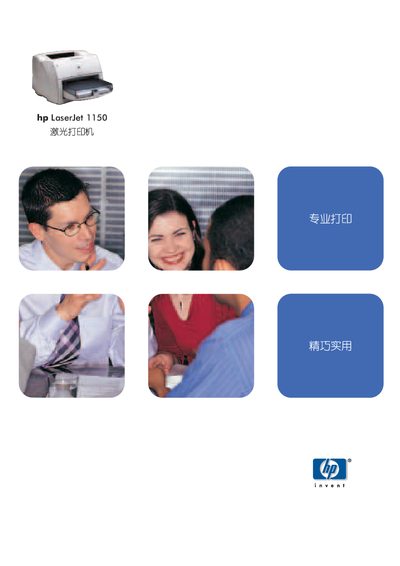
This manual covers the HP LaserJet 1150, a compact black‑and‑white laser printer designed for professional office use. It explains installation, paper handling, connectivity, and maintenance procedures.
Key features include 1200 dpi resolution, up to 18 ppm print speed, a 10‑second first‑page output, USB and parallel ports with optional Jetdirect networking, a 250‑sheet standard tray, and a monthly duty cycle of 10 000 pages. This manual is written in Chinese.
| Print speed | 18 ppm (Letter), 17 ppm (A4) |
|---|---|
| First page output time | 10 seconds |
| Print resolution | 1200 dpi |
| Processor | 133 MHz Motorola Coldfire |
| Memory | 8 MB |
| Standard paper tray capacity | 250 sheets |
| Monthly duty cycle | 10 000 pages |
| Power consumption | 0 W off, 7 W standby, 320 W printing |
The printer produces the first page in just 10 seconds.
It prints up to 18 ppm on Letter size paper and 17 ppm on A4.
Standard interfaces are a USB 2.0 port and a parallel IEEE‑1284 port; an optional HP Jetdirect network server can be added.