
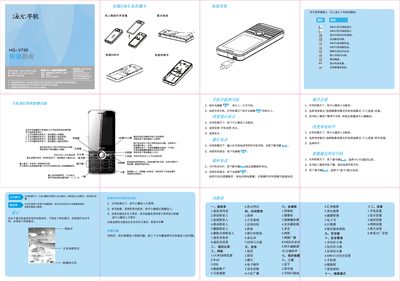
This guide introduces the basic operation of the Haier HG‑V730 phone, including how to insert the battery and SIM cards, use the navigation keys to access menus, and view status indicators such as signal strength, battery level, and new messages. It also explains power‑on/off procedures and how to lock the keypad.
The document describes the phone’s main functions such as making calls, sending SMS/MMS, using the built‑in camera and video recorder, playing music and videos, managing contacts, browsing the web with UCWEB, and configuring settings like language, date/time, and safety features. Safety and environmental information, including SAR limits and battery handling, are also provided. This manual is written in Chinese.
| SAR (maximum) | 0.250 W/kg |
|---|---|
| Supported network | GPRS |
| SIM card slots | 2 (SIM1, SIM2) |
Enter the camera mode, use the navigation keys to adjust focus and exposure, and press the center key to capture a photo.