
Fujitsu fi-6140/fi-6240/fi-6130/fi-6230 Image Scanner User Manual

This manual provides installation, operation, and maintenance instructions for the Fujitsu fi-6140/fi-6240/fi-6130/fi-6230 dual-sided color image scanner.
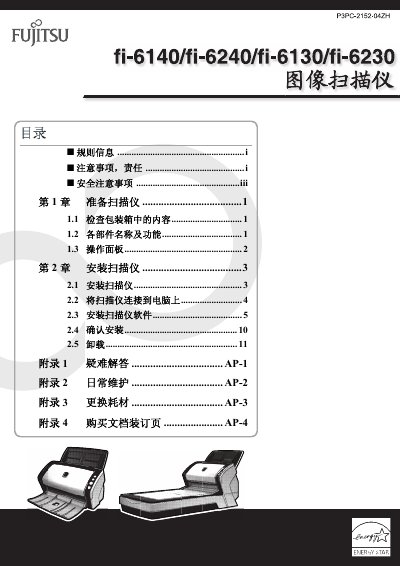

Fujitsu fi-6140/fi-6240/fi-6130/fi-6230 Image Scanner User Manual - cover page
Brand
Fujitsu
Category
Scanner
Document type
User Manual
Language
Chinese
Pages
22
File format
PDF
File size
3.1 MB
Published
25 October, 2026
Updated
25 October, 2026
MD5 checksum
FC961B9931988862403E2A545F8B0CB2

About this manual

This document serves as the introductory user manual for the Fujitsu fi-6140/fi-6240/fi-6130/fi-6230 series of dual-sided color image scanners. It covers essential setup procedures, including unpacking, identifying components, and connecting the device to a computer. The guide also details the installation of the accompanying scanner software and provides steps to verify a successful installation. This manual is written in Chinese.

What's inside

  • Preparation
  • Installation
  • Connecting to Computer
  • Software Installation
  • Troubleshooting
  • Daily Maintenance
  • Consumables Replacement

Frequently asked questions

What is the maximum length allowed for the AC power cord?

The AC power cord length must not exceed 3 meters.

What is the maximum sound pressure level for this scanner?

The highest sound pressure level is 70 dB (A) or less.

Which operating systems are supported by this scanner?

The scanner supports Windows 2000, Windows XP, Windows Server 2003, Windows Server 2008, and Windows Vista.

Download PDF (3.1 MB)

More Fujitsu Manuals


View all Fujitsu manuals →