
FUJITSU fi-6140/fi-6240/fi-6130/fi-6230 Image Scanner User's Guide

This is an instruction manual that describes the use of fi-6140/fi-6240/fi-6130/fi-6230
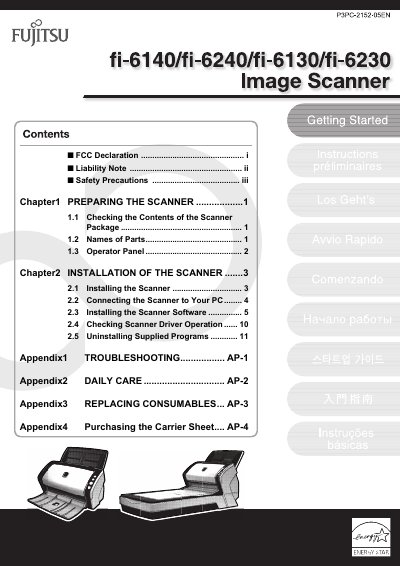

FUJITSU fi-6140/fi-6240/fi-6130/fi-6230 Image Scanner User's Guide - cover page
Brand
Fujitsu
Category
Scanner
Document type
User Manual
Language
English
Pages
23
File format
PDF
File size
3.8 MB
Published
18 October, 2023
Updated
18 October, 2023
MD5 checksum
CCF515AC48A1977FD3E939448F08E162

About this manual

This document serves as the User's Guide for the FUJITSU fi-6140/fi-6240/fi-6130/fi-6230 duplex color image scanner. It covers essential procedures for getting started, including checking package contents, identifying parts, and operating the device. The guide details the installation process, which involves physically setting up the scanner, connecting it to a PC, and installing the necessary software and drivers.

What's inside

  • PREPARING THE SCANNER
  • INSTALLATION OF THE SCANNER
  • Connecting the Scanner to Your PC
  • Installing the Scanner Software
  • Checking Scanner Driver Operation
  • Uninstalling Supplied Programs
  • TROUBLESHOOTING
  • DAILY CARE
  • REPLACING CONSUMABLES

Frequently asked questions

What is the maximum allowed length for the AC cable?

The AC cable must be 3 meters (10 feet) or less.

What is the maximum sound pressure level of the scanner?

The maximum sound pressure level is 70 dB (A) or less.

What operating systems does this manual assume?

The manual assumes the usage of Adobe Acrobat bundled with the product.

Download PDF (3.8 MB)

More Fujitsu Manuals


View all Fujitsu manuals →