
The Dell Precision™ Workstation 370 User's Guide provides information about your computer, including specifications, care, and advanced features.
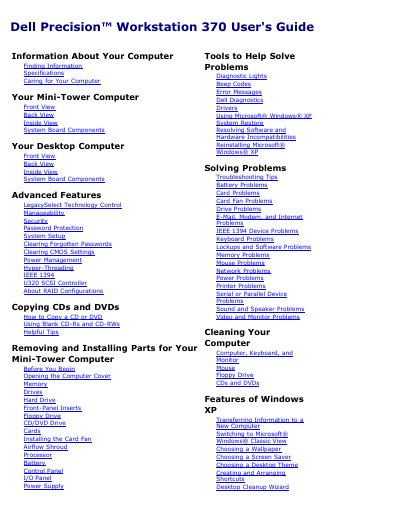
This document serves as the User's Guide for the Dell Precision 370 Workstation, covering both Mini-Tower and Desktop computer configurations. It details how to find information, care for the computer, and manage system settings including BIOS and power management.
The guide provides comprehensive instructions for removing and installing parts, such as memory, drives, and expansion cards. It also includes a troubleshooting section for various hardware and software issues, diagnostic lights, and beep codes, along with safety notices and regulatory information.
| Microprocessor | Intel Pentium 4 Processor with HT Technology |
|---|---|
| Memory Type | Dual channel DDR2 400-MHz (PC2-3200) non-ECC and 533-MHz (PC2–4300) ECCSDRAM |
| Maximum Memory | 4 GB |
| Chipset | Intel 925X Express |
| Video Type | PCI Express x16 |
| BIOS Address | F0000h |
Press the
Press
The minimum memory required is 256 MB.