
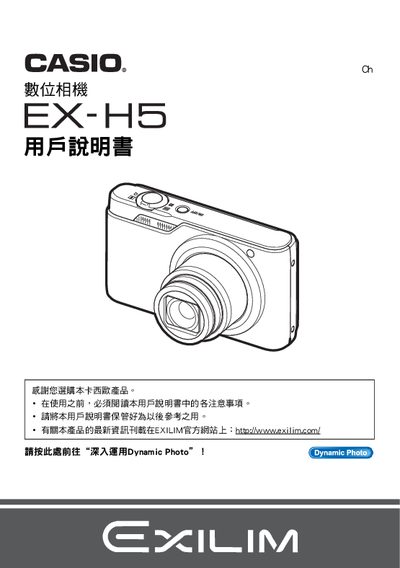
This manual explains how to unpack the EX‑H5, check the included items, and charge the NP‑80 battery before first use. It covers basic handling, power on/off, and safety precautions.
Detailed sections describe shooting modes, image settings, playback functions, connectivity options such as USB and Eye‑Fi, and how to replace the battery or memory card. Troubleshooting tips and specifications are provided at the end. This manual is written in Chinese.
| Battery type | NP-80 |
|---|---|
| Charger model | 8C-81D |
| LCD pixel yield | 99.99% |
| Maximum video resolution | 640×480 pixels |
The manual instructs to follow the steps under the “若要更換電池” section for battery replacement.
Yes, the camera supports wireless transfer using Eye‑Fi, as described in the “使用Eye‑Fi無線SD記憶本信還影像” section.