
Key facts
- Brand
- Casio
- Model
- EW-V5100L
- Category
- other commodities
- Documents
- 2
- Languages
- ZH
- Last added
- 2012-03-15
Start here
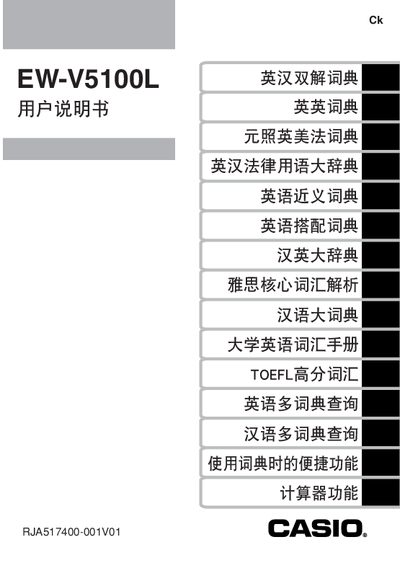
Casio EW-V5100L User Manual
This manual explains how to set up and use the Casio EW‑V5100L electronic dictionary, covering battery installation, backlight operation, and basic navigation of the dictionary functions. It also includes safety notices and important handling instructions.
Additional sections describe how to connect the device to a computer using Casio’s TextLoader software, details on backlight usage and its impact on battery life, and the warranty and service procedures for the product. This manual is written in Chinese.
Casio EW-V5100L specifications
| Battery type | 2 x AAA alkaline dry cells |
|---|---|
| Backlight auto‑off time | ≈30 seconds of inactivity |
| Battery life without backlight | ≈75 hours |
Source: Casio EW-V5100L User Manual
All Casio EW-V5100L documents by type
Day-to-day operation, settings and troubleshooting. Start here if the product is already set up.
Questions answered in these manuals
How do I install the batteries?
Insert the two AAA alkaline dry cells into the battery compartment, making sure the polarity matches the markings.
How do I turn the backlight on or off?
Press the backlight key to toggle it; the backlight stays on until about 30 seconds of no activity, then it turns off automatically.
What batteries does the EW‑V5100L use?
It uses two AAA alkaline dry cells.
How do I turn the backlight on and off?
Press the backlight key to toggle it; the light stays on for about 30 seconds after the last key press and then turns off automatically.