
This document is about the user manual for RJA517400-001V01 EW-V5100L Ck. It provides information on the preparation work before using the product, steps to install batteries, precautions before connecting to a computer, battery life, and backlight function.
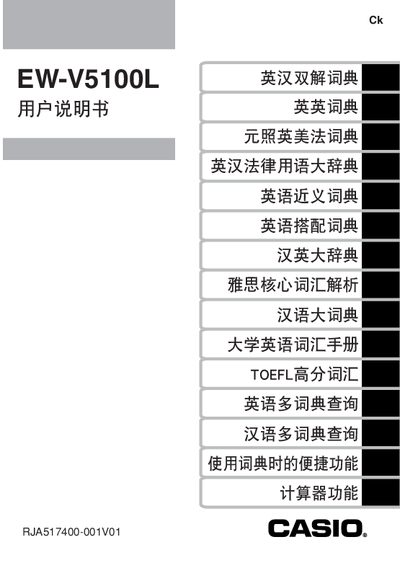
This manual explains how to set up and use the Casio EW‑V5100L electronic dictionary, covering battery installation, backlight operation, and basic navigation of the dictionary functions. It also includes safety notices and important handling instructions.
Additional sections describe how to connect the device to a computer using Casio’s TextLoader software, details on backlight usage and its impact on battery life, and the warranty and service procedures for the product. This manual is written in Chinese.
| Battery type | 2 x AAA alkaline dry cells |
|---|---|
| Backlight auto‑off time | ≈30 seconds of inactivity |
| Battery life without backlight | ≈75 hours |
Insert the two AAA alkaline dry cells into the battery compartment, making sure the polarity matches the markings.
Press the backlight key to toggle it; the backlight stays on until about 30 seconds of no activity, then it turns off automatically.
Keep the warranty card and bring the dictionary to an authorized Casio service center as indicated in the warranty booklet.