
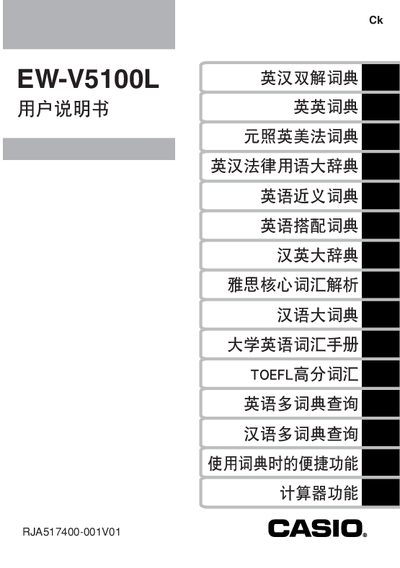
This manual explains how to install the two AAA alkaline batteries, adjust contrast, and use the backlight function of the EW‑V5100L electronic dictionary. It also covers basic operation such as word lookup, input methods, and navigating the built‑in dictionary features.
Additional sections describe how to connect the device to a computer using Casio’s TextLoader software, install the required USB driver, and obtain after‑sales support. Warranty terms, service center procedures, and safety notices are also included. This manual is written in Chinese.
| Battery type | 2 x AAA alkaline dry cells |
|---|---|
| Backlight auto‑off time | ≈30 seconds of inactivity |
| Battery life (no backlight) | ≈75 hours of use |
| USB driver installation | Special USB driver installed automatically |
It uses two AAA alkaline dry cells.
Press the backlight key to toggle it; the light stays on for about 30 seconds after the last key press and then turns off automatically.
Install Casio’s “译天下 TextLoader” software from the Casio website before connecting the device.
Send the device to an authorized Casio service center as specified in the warranty card.