
This is a user manual for a wireless router. It introduces the features and usage of the router.
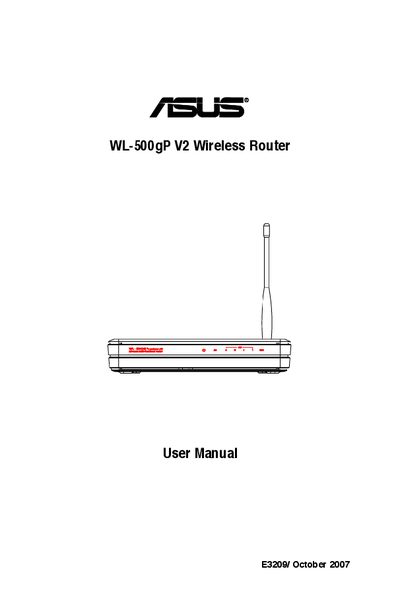
This manual covers everything you need to get the ASUS WL-500gP V2 Wireless Router up and running. It starts with a list of package contents, explains how to connect the router to an ADSL modem, and describes the meaning of each status indicator (Power, Wireless, WAN, LAN). It also shows how to mount the router on a wall using the built‑in hooks.
Further sections guide you through wired and wireless setup, default network settings, using the EZSetup utility, and advanced features such as virtual servers, DDNS, and bandwidth management. A troubleshooting chapter and an appendix round out the guide.
| Default IP address | 192.168.1.1 |
|---|---|
| Default subnet mask | 255.255.255.0 |
| Default SSID | default |
| Default encryption | disabled |