
This manual introduces the functions and usage methods of ASUS V-Series P8H67E ASUS PC (Desktop Barebone)
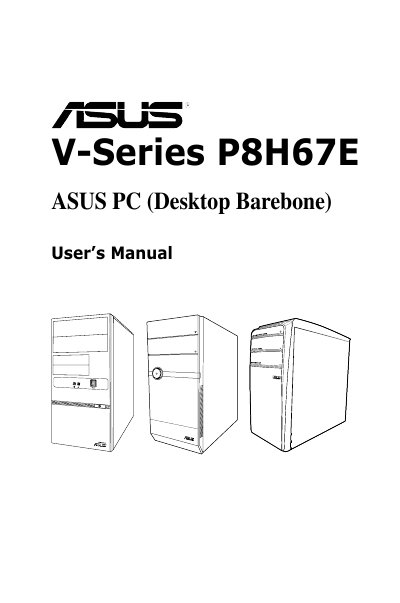
This guide is intended for experienced users and integrators who assemble the ASUS V-Series P8H67E barebone system. It covers system features, front and rear panel descriptions, internal components, and provides safety and regulatory information.
The manual is organized into chapters on system introduction, starting up, motherboard details, BIOS setup, tools and exit menus, and includes contact information for technical support. It also contains FCC and Canadian compliance statements, warranty conditions, and instructions for obtaining GPL source code.
| CPU Voltage options | 3.3 V, 5 V, 12 V |
|---|
The warranty is void if the product is repaired, modified, or altered without ASUS written permission, or if the serial number is defaced or missing.
Select the "Load Optimized Defaults" option in the Exit menu and confirm with Yes to load the default values.
The device complies with Part 15 of the FCC Rules and is classified as a Class B digital device.