
Key facts
- Brand
- Zebra
- Model
- DS9308
- Category
- Other Electronics
- Industry
- Electronics
- Documents
- 2
- Languages
- JA · EN
- Last added
- 2026-11-19
Start here
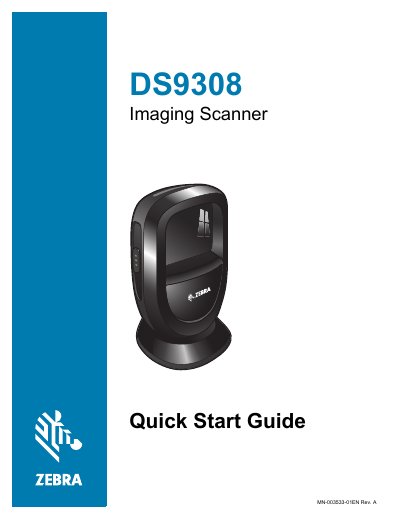
Zebra DS9308 Hands-Free Imaging Scanner Quick Start Guide
The Zebra DS9308 Hands-Free Imaging Scanner Quick Start Guide provides setup information for the scanner. It covers features, cable insertion and removal, mounting options, and inserting or removing the scanner.
It also explains how to connect the host interface for USB, RS-232, and IBM 46XX, including selecting host barcodes where the default setting does not meet requirements.
Zebra DS9308 specifications
| USB default host interface | USB Keyboard HID |
|---|---|
| RS-232 default host interface | Standard RS-232 |
| IBM 46XX default host interface | No default setting |
Source: Zebra DS9308 Hands-Free Imaging Scanner Quick Start Guide
All Zebra DS9308 documents by type
Day-to-day operation, settings and troubleshooting. Start here if the product is already set up.
The shortest path to a working setup, usually only a few pages.
Questions answered in these manuals
What is the Zebra DS9308?
The Zebra DS9308 is an imaging scanner.
Does the DS9308 automatically detect the host interface type?
Yes. The digital scanner automatically detects the host interface type and uses the default setting.
From: Zebra DS9308 Hands-Free Imaging Scanner Quick Start Guide
What is the default USB host interface setting?
The default USB setting is USB Keyboard HID.
From: Zebra DS9308 Hands-Free Imaging Scanner Quick Start Guide