
Key facts
Start here
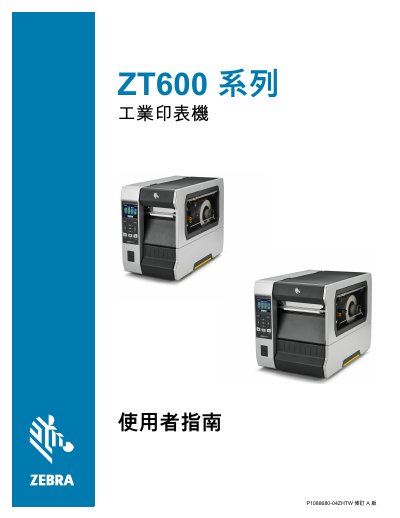
Zebra ZT600 Series Industrial Printer User Guide
This manual provides comprehensive instructions for operating and maintaining the Zebra ZT600 Series industrial printer. It includes detailed procedures for unpacking, installing drivers, connecting via USB or network, and configuring various settings such as print mode, label width, and RFID parameters.
The guide also addresses routine maintenance tasks like cleaning the printhead and rollers, replacing consumables, and performing diagnostic tests to ensure optimal performance. This manual is written in Chinese.
Zebra ZT600 Series specifications
| ZT600 Series maximum print width | Up to 6.6 in (168 mm) |
|---|---|
| ZT400 Series and ZT600 Series resolution options | 203, 300, and 600 dpi |
| ZT510 duty cycle | 24/7 |
| ZT200 Series ribbon capacity | 300 m |
| ZT400 Series ribbon capacity | 450 m |
| ZT200 Series memory (RAM) | 128 MB DRAM |
| ZT510 memory (Flash) | 2 GB Flash |
| ZT510 standard connectivity | USB, Ethernet, Bluetooth LE, and Serial |
| ZT200 Series print width | 4.09 in (104 mm) |
Source: Zebra ZT200, ZT400, ZT510 and ZT600 Series Industrial Printer Positioning Guide
All Zebra ZT600 Series documents by type
Day-to-day operation, settings and troubleshooting. Start here if the product is already set up.
Questions answered in these manuals
What are the storage temperature limits for the printer?
The printer can be stored at temperatures between –40°F and 140°F (–40° to 60°C).
What is the maximum printing speed for many Zebra printers?
Many Zebra printers have a printing speed that can reach up to 14 ips.
Which Zebra industrial printers are listed with a 24/7 duty cycle?
The ZT510 and ZT600 Series are listed with a 24/7 duty cycle.
From: Zebra ZT200, ZT400, ZT510 and ZT600 Series Industrial Printer Positioning Guide
What print resolutions are listed for the ZT400 Series?
The ZT400 Series lists 203, 300, and 600 dpi printing.
From: Zebra ZT200, ZT400, ZT510 and ZT600 Series Industrial Printer Positioning Guide