
Key facts
Start here
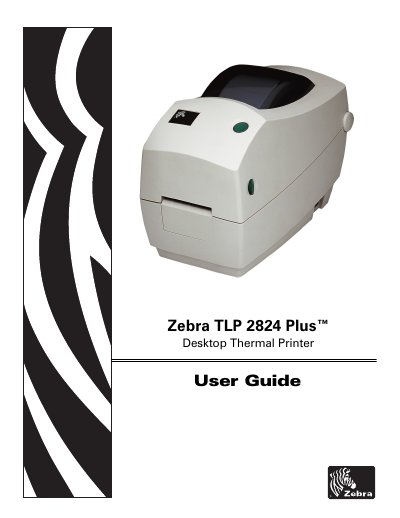
Zebra TLP 2824 Plus Desktop Thermal Printer User Guide
This User Guide for the Zebra TLP 2824 Plus desktop thermal printer (document 980643-001 Rev. A) is intended for anyone who needs to operate the printer or troubleshoot problems with it. It opens with an introduction to the shipping box contents and printer features, then walks through first-time setup and the most common media-loading procedures.
Later sections cover media and print handling, font and language support, and less common printer configurations, followed by the printer options and accessories, routine cleaning and maintenance, and printer error reporting with assorted diagnostic tests. An appendix adds interface information and wiring diagrams to help with printer-to-host system integration, typically a PC. Contact details for Zebra support, repair, training and customer service are also listed.
Zebra LP 2824 specifications
| Printing method | Direct-thermal |
|---|---|
| Serial default configuration | 9600 baud, 8 bit data, 1 stop bit, no parity |
| RJ-11 serial interface role | Data Communication Equipment (DCE) |
All Zebra LP 2824 documents by type
Day-to-day operation, settings and troubleshooting. Start here if the product is already set up.
Questions answered in these manuals
What printing method does the Zebra LP 2824 use?
The printer provides direct-thermal printing.
What should I do after loading new supplies if media ran out while printing?
Do not turn the power switch off while reloading; after loading new supplies, press the feed button to resume printing.
Who is this TLP 2824 Plus User Guide intended for?
It is intended for any person who needs to operate the printer or to troubleshoot problems with it.
From: Zebra TLP 2824 Plus Desktop Thermal Printer User Guide
What does the Maintenance section cover?
It provides the routine cleaning and maintenance procedures for the printer.
From: Zebra TLP 2824 Plus Desktop Thermal Printer User Guide
What does the Configuration Status feed mode print?
It prints a detailed printer configuration status label.
When is manual media calibration recommended?
It is recommended when using pre-printed media or if the printer will not correctly auto calibrate.