
Key facts
- Brand
- Zebra
- Model
- ZT400
- Category
- Industrial Robot
- Industry
- Industrial
- Documents
- 3
- Languages
- ZH · EN
- Last added
- 2026-10-18
Start here
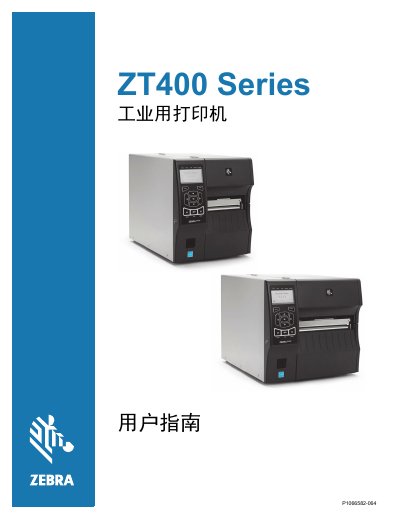
Zebra ZT400 Series Industrial Printer User Guide
The document serves as a comprehensive manual for the Zebra ZT400 Series industrial printer. It details printer components, communication interfaces, and various optional accessories such as tear-off, peel-off, rewind, and cutter modules.
The guide provides step-by-step instructions for installation, including unpacking, selecting a location, loading media and ribbons, and connecting the device via USB, serial, parallel, Ethernet, or wireless networks. It also covers driver installation and Zebra Setup Utilities configuration. This manual is written in Chinese.
Zebra ZT400 specifications
| WLAN RF Output Power (2.4 GHz) | 63 mW |
|---|---|
| WLAN 802.11a/n Frequency | 5.1‑5.825 GHz |
| WLAN RF Output Power (5 GHz) | 50 mW |
| RFID Frequency Range (US) | 902‑928 MHz |
| RFID Maximum ERP | <30 dBm |
Source: Zebra ZT200, ZE500, ZT400, PAX4, HC100, eS4M, 105SL, 105SLPlus, RXi, Xi, ZR, ZebraNet Product Guide
All Zebra ZT400 documents by type
Day-to-day operation, settings and troubleshooting. Start here if the product is already set up.
Questions answered in these manuals
What are the available printer accessories for the ZT400 Series?
Available accessories include tear-off, peel-off with backing pickup, rewind, and cutter modules.
How should the printer be positioned?
The guide instructs users to select a proper location for the printer, implying specific environmental or physical placement requirements.
What models are included in the ZT400 series?
The ZT400 series includes two models: ZT410 and ZT420.
What connectivity options are standard on the ZT400 printers?
Standard connectivity includes USB, serial, Ethernet, and Bluetooth.