
Key facts
Start here
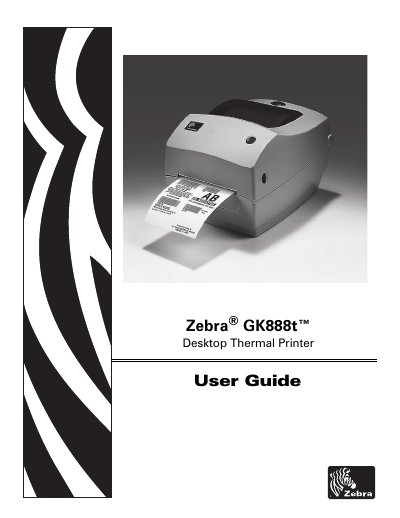
Zebra GK888t Desktop Thermal Printer User Guide
This user guide provides step-by-step instructions for setting up, operating, and maintaining the Zebra GK888t desktop thermal printer. It includes sections on unboxing, loading media, configuring print settings, using optional accessories, performing routine maintenance, and troubleshooting common issues. The guide also covers interface wiring, ZPL configuration commands, and printer diagnostics.
The manual is organized into sections for easy navigation: Introduction, Getting Started, Print Operations, Printer Options, Maintenance, and Troubleshooting, with appendices for technical details like dimensions and interface wiring.
Zebra GK888t specifications
| Processor | 32‑bit RISC |
|---|---|
| Memory | 8 MB flash, 8 MB SDRAM |
| Print resolution | 203 dpi (8 dots/mm) |
| Print speed | 4 in/102 mm·s |
| Maximum media width | 108 mm (4.24 in) |
| Maximum media length | 990 mm (39 in) |
| Interface options | Serial, USB, Parallel, optional 10/100 Ethernet |
| Weight | 3 lb (1.4 kg) |
All Zebra GK888t documents by type
Day-to-day operation, settings and troubleshooting. Start here if the product is already set up.
Questions answered in these manuals
What programming languages does the GK888 support?
It includes built‑in EPL and ZPL programming languages.
Which interfaces are available on the GK888?
The printer provides serial, USB, parallel ports, and an optional 10/100 Ethernet interface.
What print resolution does the GK888t use?
The GK888t prints at 203 dpi.
Which programming languages does the printer support?
It supports ZPL and EPL.
What is the Zebra GK888t?
It is a desktop thermal printer.
What does the dimensions appendix provide?
External dimensions for the standard printer and printer with options.